JT Showcase Pro
Modern Joomla! showcase module with flexible layouts, custom fields, and CTA buttons.
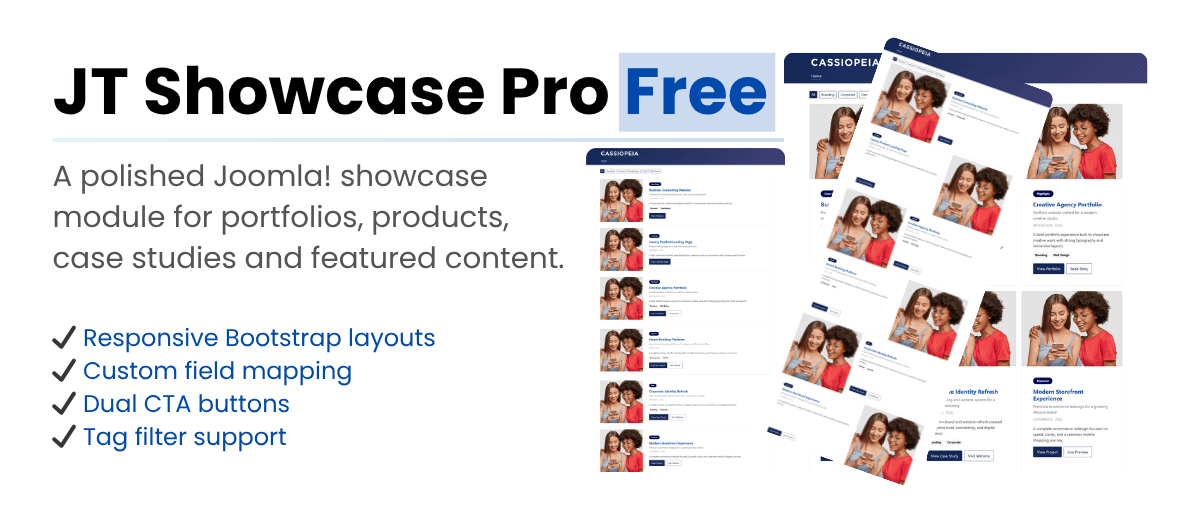
JT Showcase Pro is a modern Joomla! module for creating stylish article-based showcases for portfolios, featured content, products, and case studies. It supports flexible layouts, article images, custom field mapping, badges, and primary or secondary CTA buttons, making it easy to build polished content sections with a professional look.
JT Showcase Pro – Create Modern Article-Based Showcases in Joomla!
JT Showcase Pro helps you turn Joomla articles into modern showcase sections using custom fields, article images, badges, and CTA buttons. Perfect for portfolios, featured content, products, and case studies. JT Showcase Pro is a flexible Joomla module designed to display articles as polished showcase items. It supports custom field mapping, article images, responsive layouts, tag filters, badges, and primary or secondary CTA buttons, making it easy to build professional content sections without extra complexity. The module works with Joomla Articles and Custom Fields, allowing you to create structured portfolio entries, product highlights, featured content blocks, or case study sections directly from your existing content workflow.
How it works
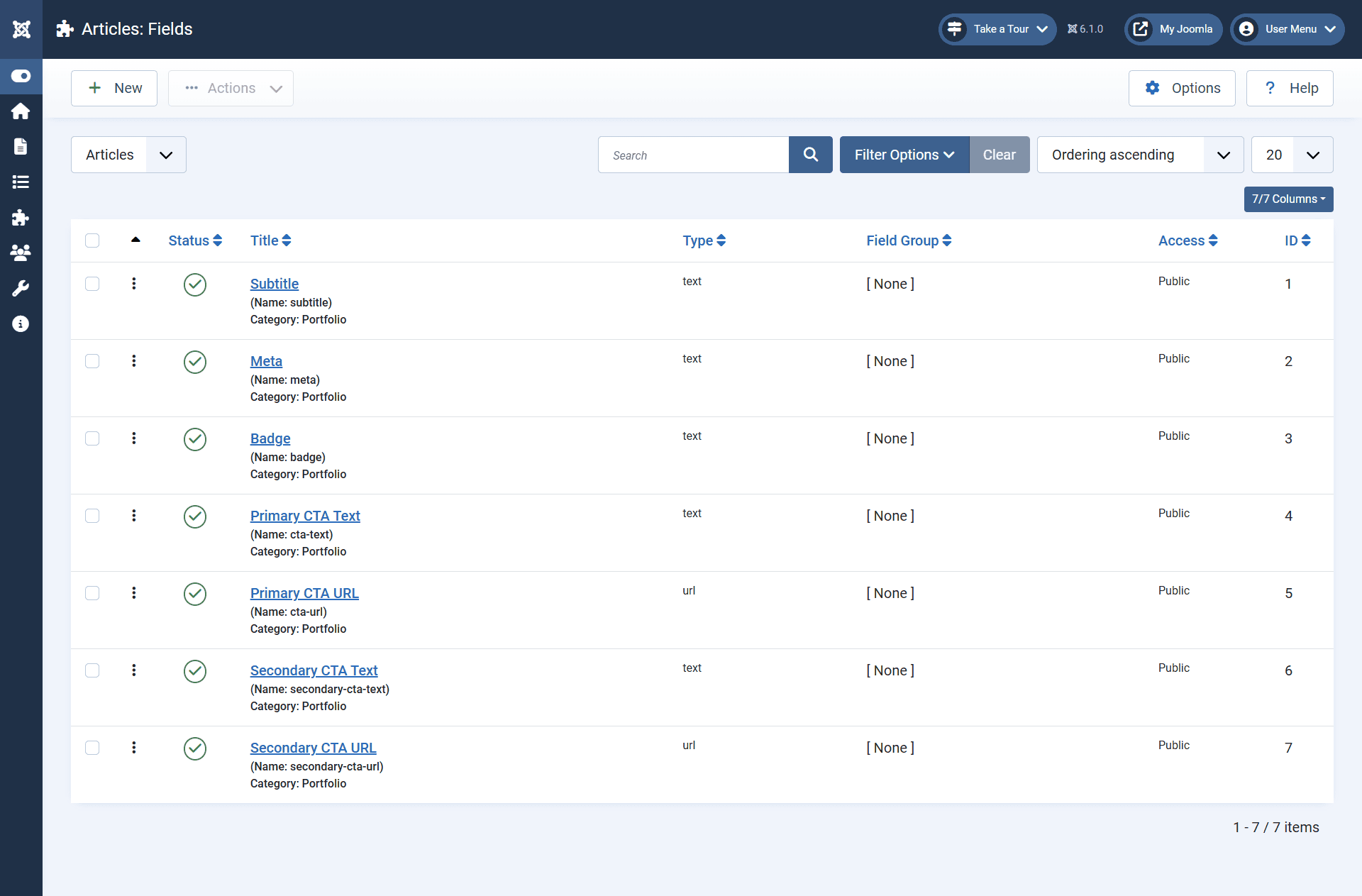
You can define fields such as subtitle, meta, badge, primary CTA text, primary CTA URL, secondary CTA text, and secondary CTA URL.
Example field names:
- subtitle
- meta
- badge
- cta-text
- cta-url
- secondary-cta-text
- secondary-cta-url
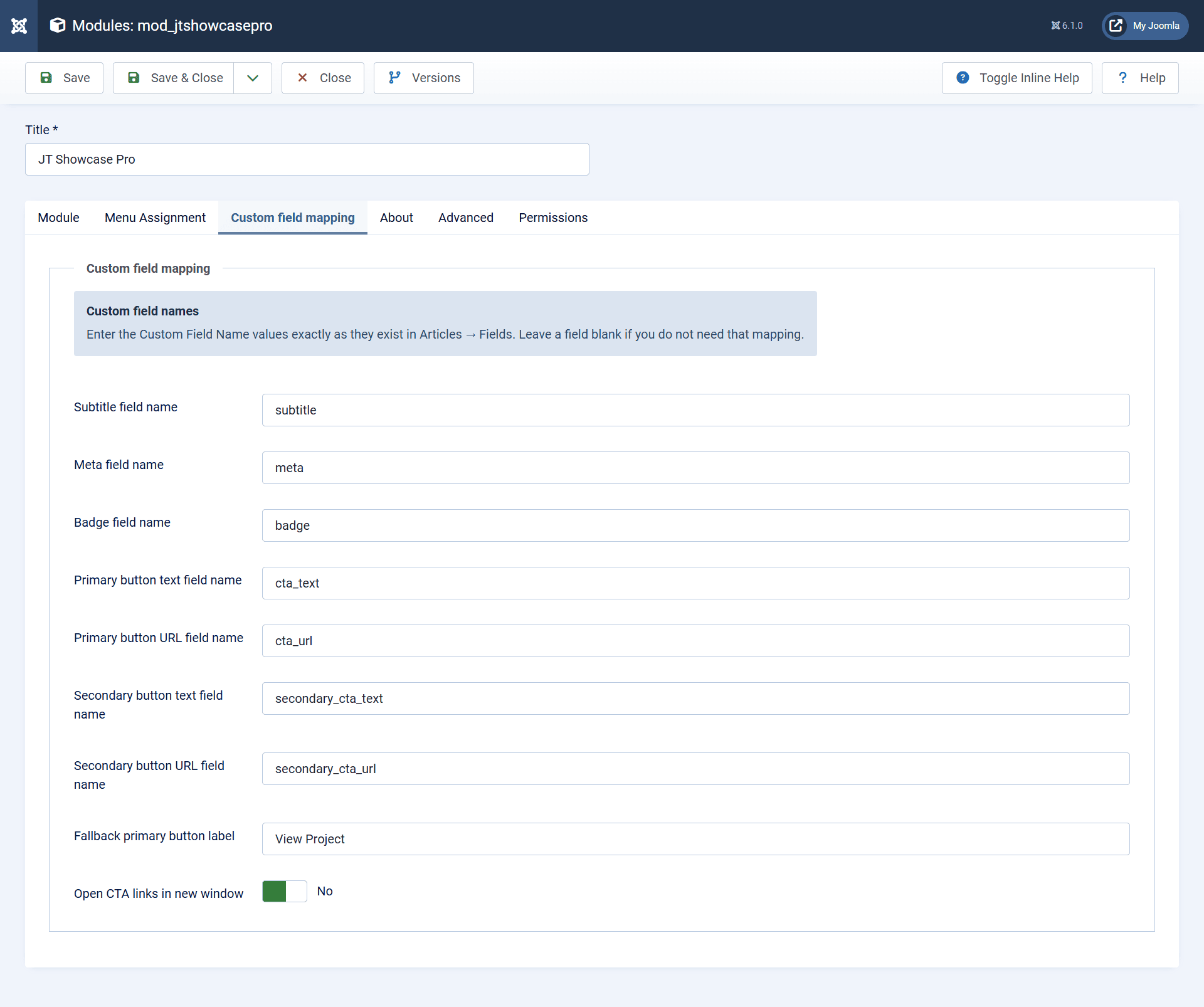
Map the field names inside the module
This lets the module pull structured data directly from your article content and display it in the showcase layout.
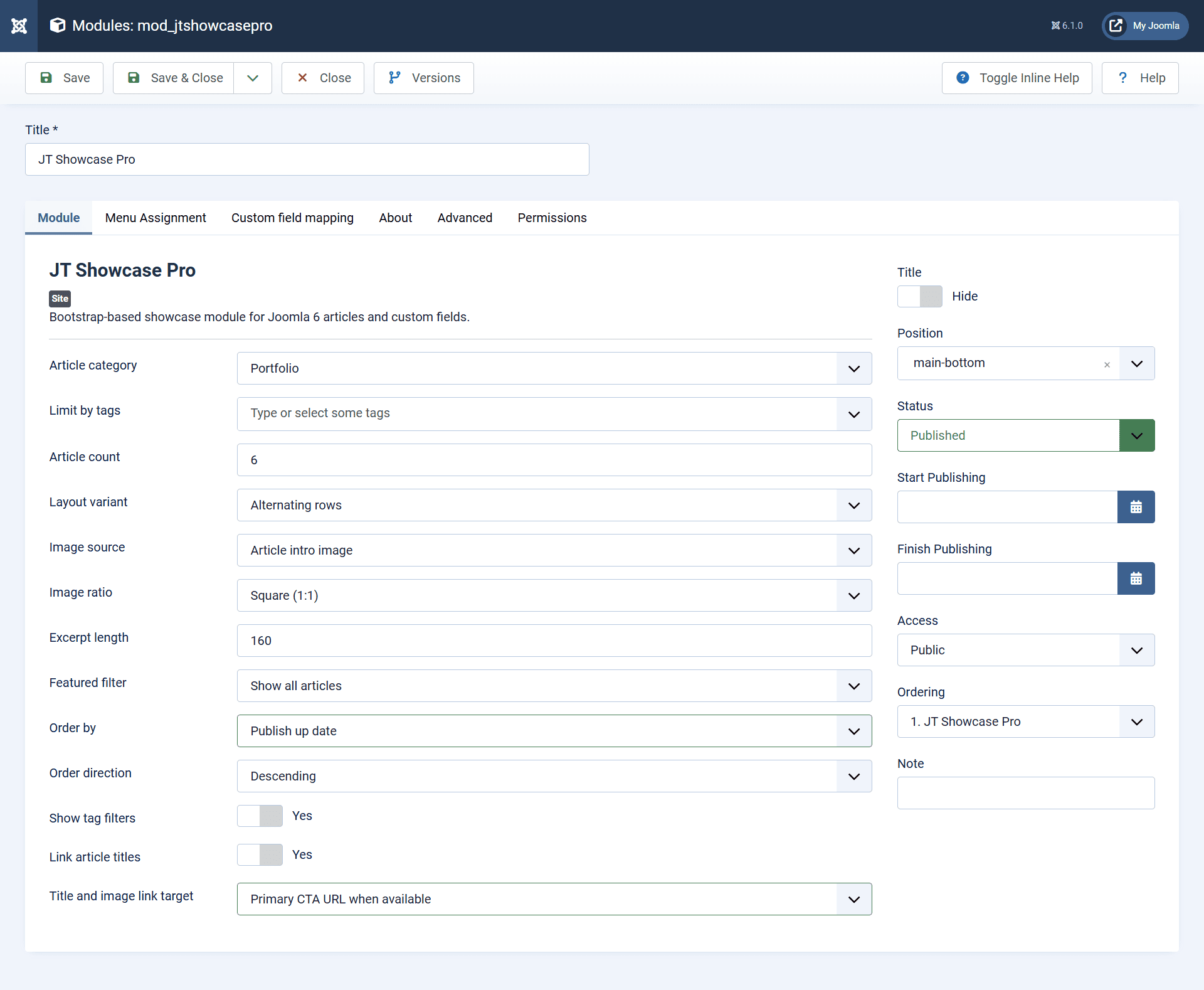
Configure the module layout and content source
- the article category
- article count
- layout variant
- image source
- image ratio
- excerpt length
- sorting order
- tag filters
- title and image link behavior
This makes it easy to adapt the showcase for portfolios, products, featured items, or case studies.